The Solo Frontend Team: Building a UI System in Pure Ruby
The “Partial” Problem
We love Rails. We love ERB. But let’s be honest: app/views is usually the messiest part of any Rails codebase. .
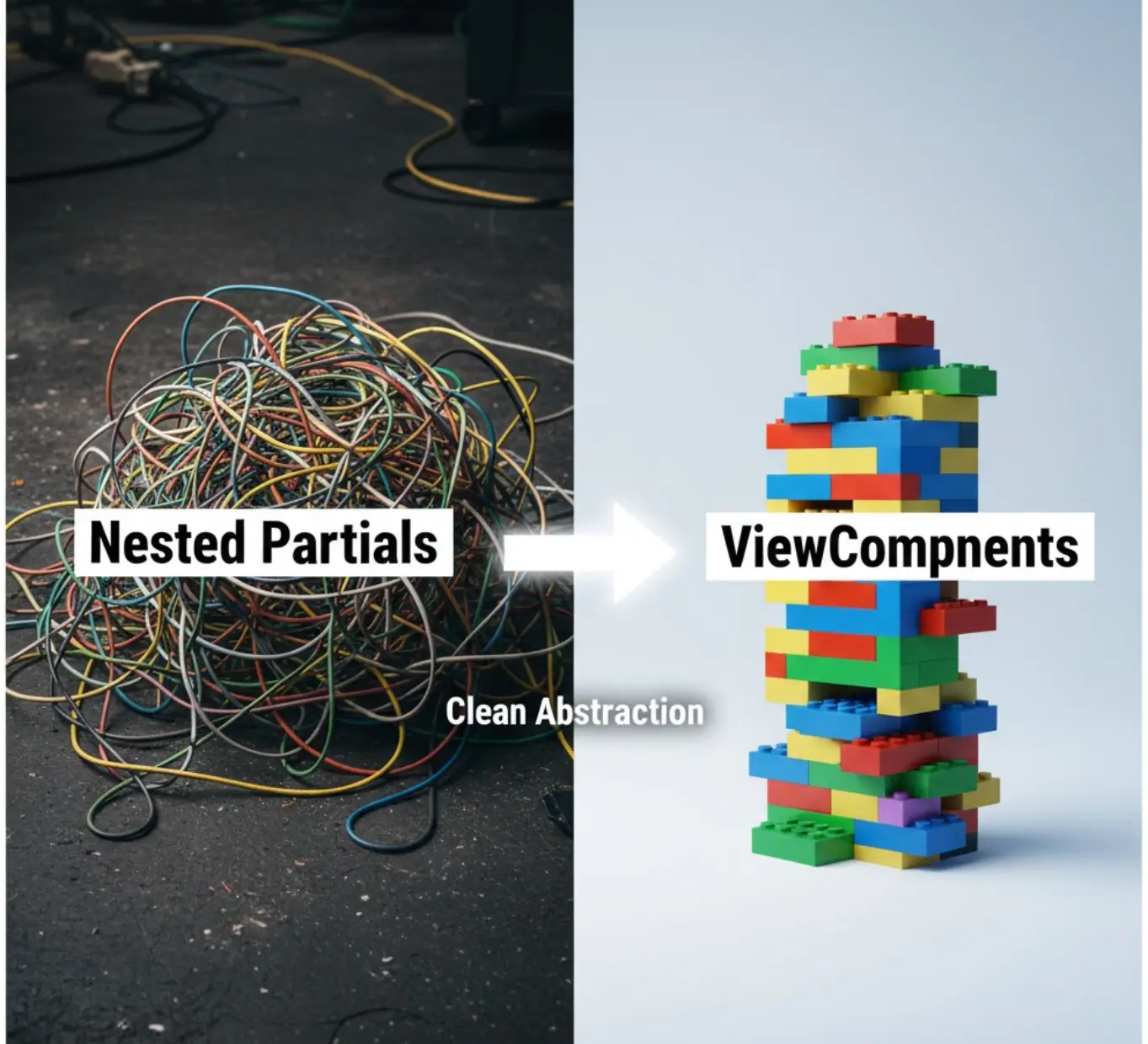
You start simple. Then you extract a partial. Then you need to pass a local variable.
<%= render partial: "shared/card", locals: { title: "Hello", show_footer: true, user: @user } %>
Then you need to add logic: Only show the footer if the user is an admin.
Suddenly, your HTML file is full of if/else statements, Ruby logic, and loose variables. If you misspell user as use, Rails won’t complain until the page renders and crashes.
For years, the industry told us the solution was React. “Stop writing ERB! Build an API and write the frontend in JavaScript!”
But for a solo developer or a small team, that is a massive overhead. Enter ViewComponent.
What is a ViewComponent?
Created by GitHub (and used to render the UI you are looking at right now if you visit GitHub.com), ViewComponent brings the “Component Architecture” of React into the Ruby world.
Instead of a loose template file, a ViewComponent is a Ruby Object.
The Old Way (Partial)
_user_badge.html.erb:
<div class="badge <%= user.admin? ? 'bg-red-500' : 'bg-blue-500' %>">
  <%= user.name %>
</div>
Problem: Testing this in isolation is impossible. You have to load a whole page that contains it.
The New Way (Component)
Run the generator:
rails g component UserBadge user
app/components/user_badge_component.rb:
class UserBadgeComponent < ViewComponent::Base
  def initialize(user:)
    @user = user
  end

  def background_color
    @user.admin? ? "bg-red-500" : "bg-blue-500"
  end
end
app/components/user_badge_component.html.erb:
<div class="badge <%= background_color %>">
  <%= @user.name %>
</div>
Now, in your views, you render it like an object:
<%= render UserBadgeComponent.new(user: @current_user) %>
Why this changes everything for Solo Devs
1. The End of Silent Failures
In the example above, initialize requires a keyword argument user:.
If you try to render that component without passing a user, Ruby raises an error immediately.
It enforces a strict interface for your UI. No more guessing which locals a partial needs.
2. Logic Belongs in Ruby, not HTML
Notice how the background_color logic moved into the Ruby class?
This keeps your template file clean. You can write complex methods, use guard clauses, and handle edge cases in standard Ruby code, leaving your HTML to just be… HTML.
3. Testing in Isolation (The Superpower)
This is the game changer. Usually, to test a UI element in Rails, you write a System Test (Capybara). It boots the browser, loads the database, visits the page, and clicks around. It is slow.
With ViewComponents, you write Unit Tests for your UI.
# spec/components/user_badge_component_spec.rb
require "rails_helper"

RSpec.describe UserBadgeComponent, type: :component do
  it "renders red for admins" do
    admin = User.new(role: :admin, name: "Boss")

    render_inline(described_class.new(user: admin))

    expect(page).to have_css ".bg-red-500"
    expect(page).to have_text "Boss"
  end
end
These tests run in milliseconds. You can test every edge case of your UI without ever launching a browser.
4. Lookbook / Previews
ViewComponents allow you to use tools like Lookbook. It creates a “Storybook” for your Rails app. You can browse a gallery of all your buttons, modals, and cards in a dashboard, change their states, and see how they look. It makes you feel like you have a dedicated Frontend Team managing a design system, even if it’s just you.
Summary
ViewComponents are the “Goldilocks” solution.
- Too Cold: Messy, untestable ERB partials.
- Too Hot: A complex React/Next.js frontend separated from your backend.
- Just Right: ViewComponents.
They give you the organization and testability of React, with the speed and simplicity of Ruby on Rails.
Have you started refactoring your partials into components yet? Let me know! 👇